
Shopping Cart
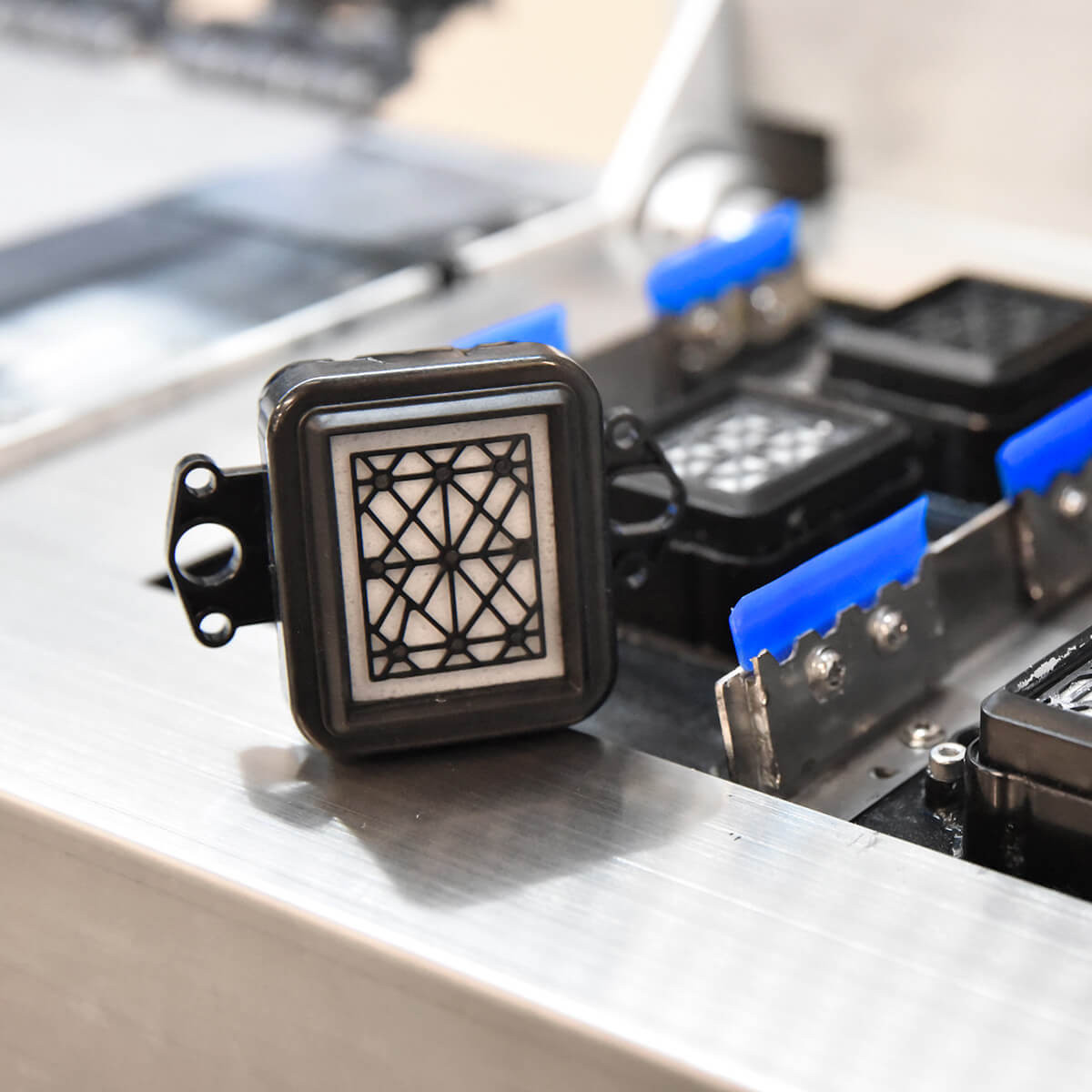
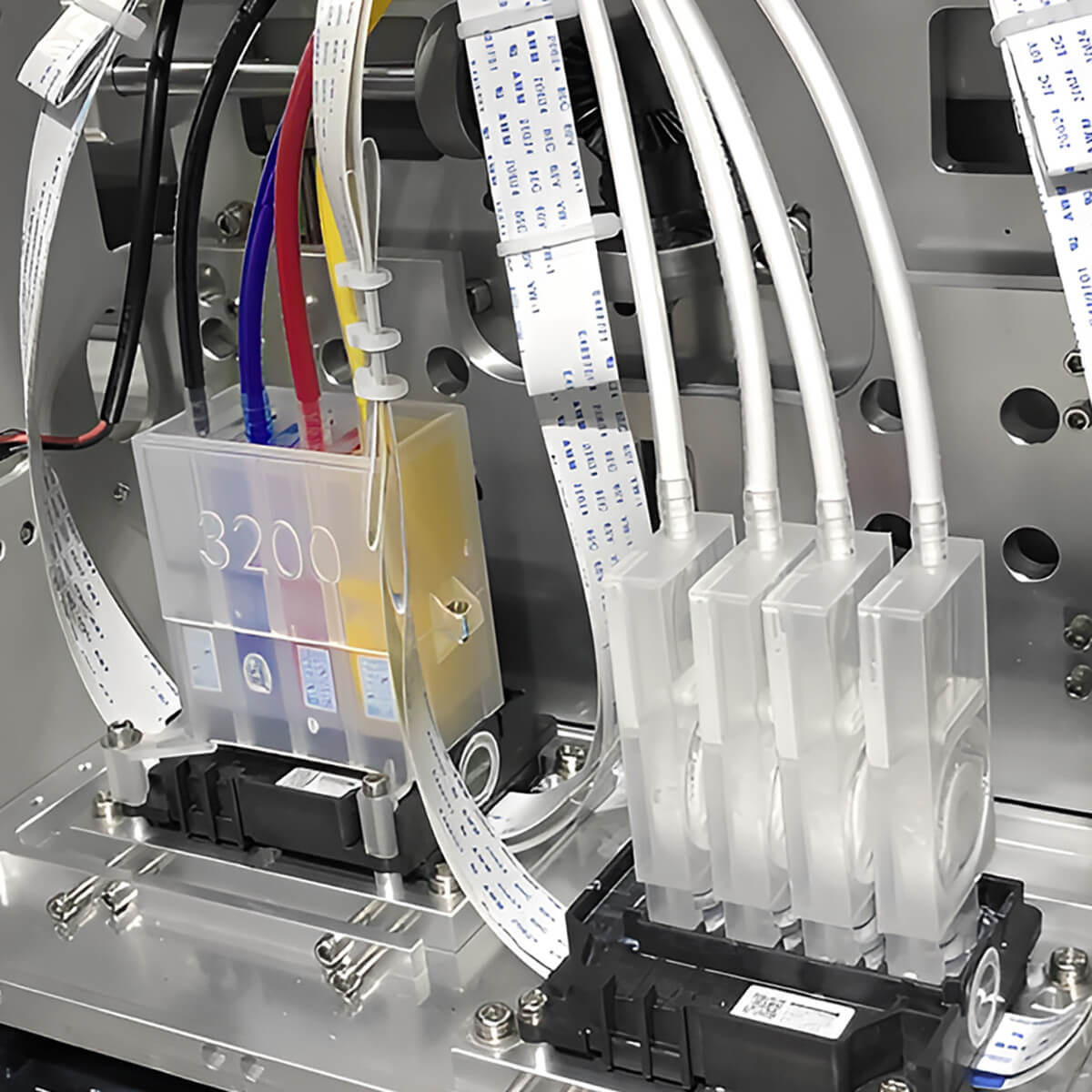
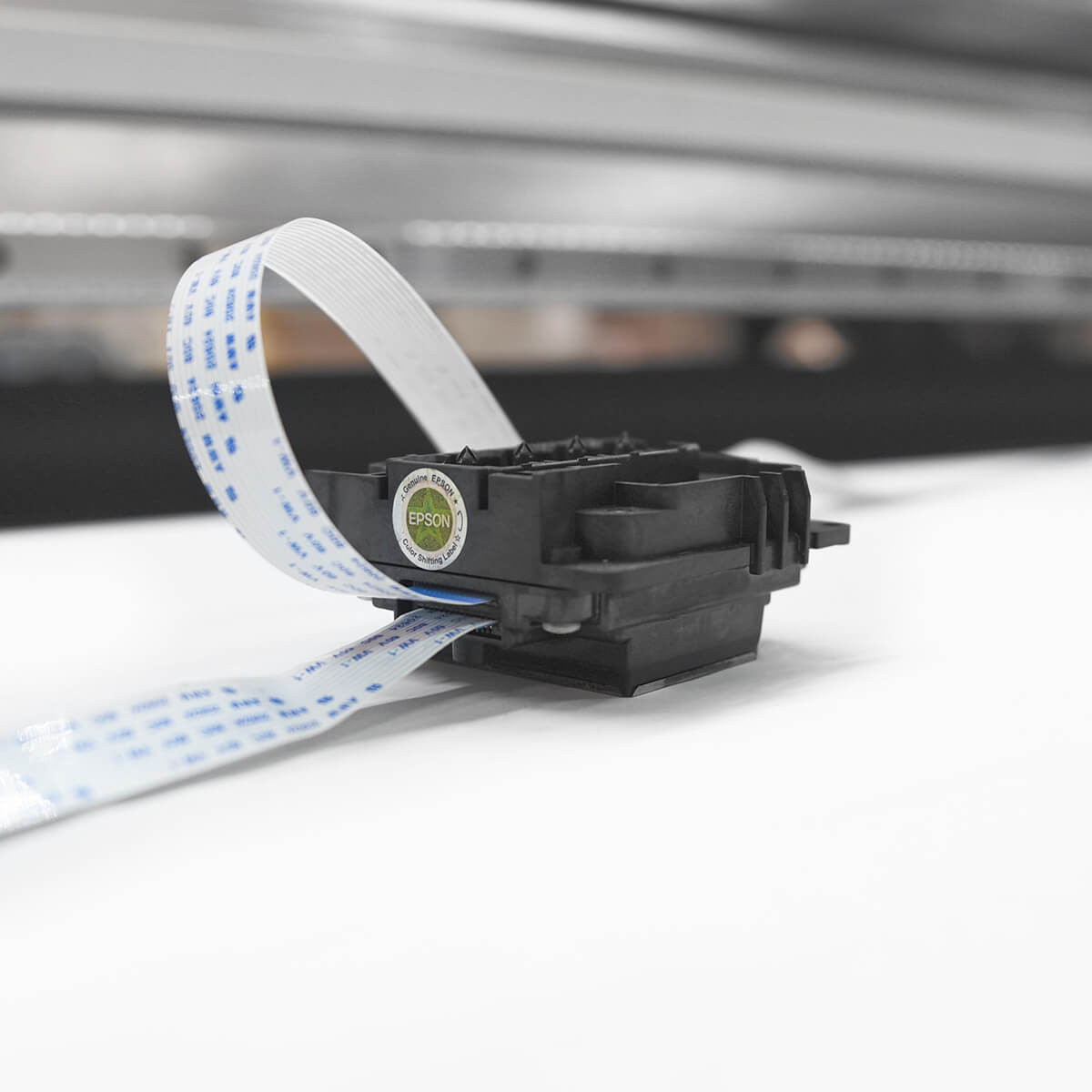
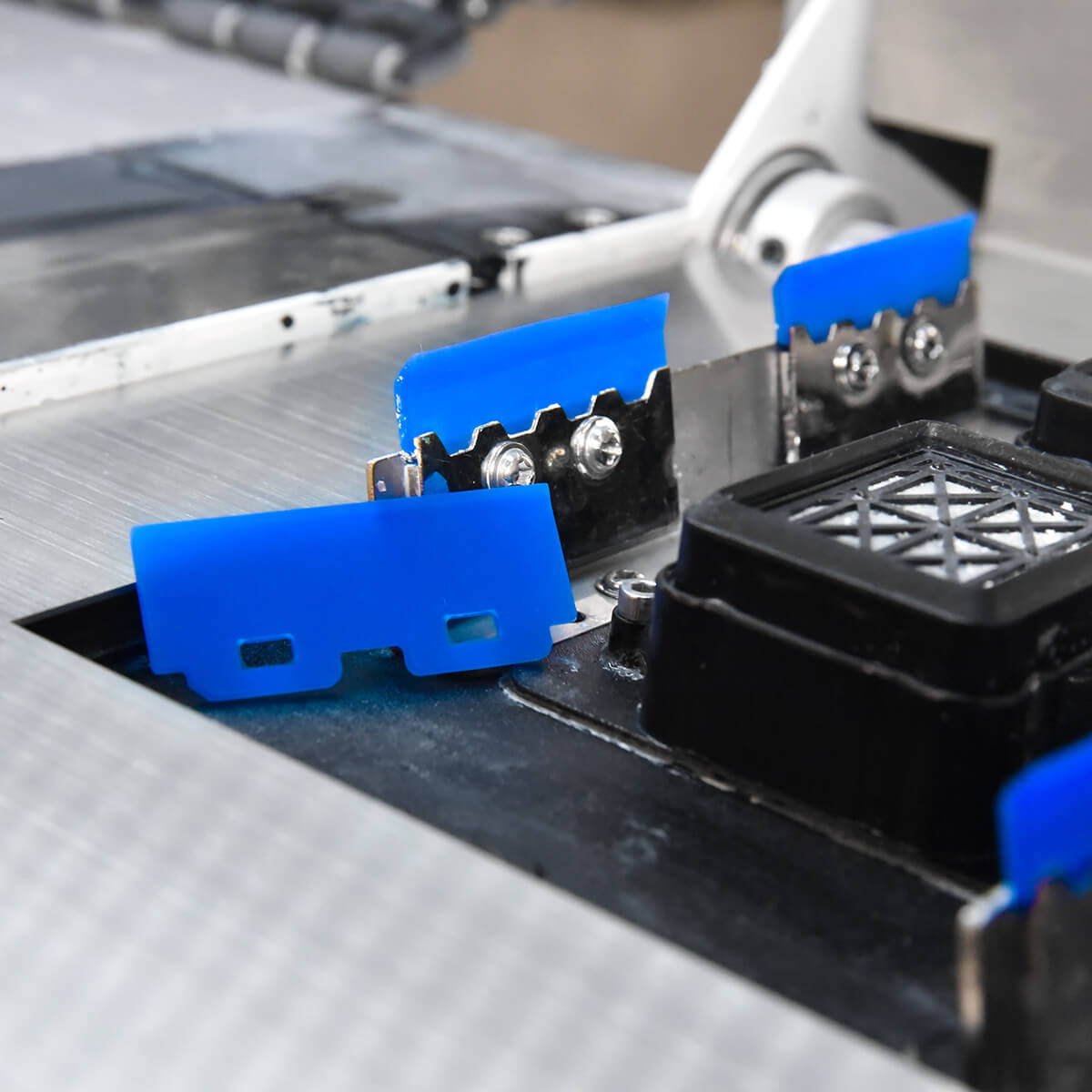




Our dampers are specially designed to fit directly onto Epson I3200 and 4720 printheads, ensuring optimal performance of your printing machines. Dampers play a crucial role in regulating ink flow, keeping a stable pressure from the machine’s ink circuit to the printheads. Thanks to a built-in spring, they guarantee uniform pressure, which is essential to prevent abnormal ink flow on your prints.
By filtering air bubbles out of the ink circuit, dampers protect your printheads from potential damage, extending their lifespan and reducing the risk of clogging. These components are compatible with various machines using Epson I3200 and 4720 printheads, as well as Dx5 and XP600.
Replacement instructions:
1. Preparation:
- Make sure the machine is switched off.
- Empty the ink from the circuit between the secondary tank and the damper with a syringe, or use a clamp to stop the ink flow.
2. Replacement:
- Carefully disconnect the damper and the tubes from the ink circuit. It is recommended to do this with a second operator to deal with any ink leakage.
- If the ink tube is hard to remove, you can cut part of the tube with a cutter to make it easier to remove the old damper.
3. Cleaning and protection:
- Use a lint-free microfibre cloth to protect your printheads and other components sensitive to ink splashes.
4. Finishing:
- Connect the new damper, making sure it is properly clipped in and filled with ink.
- If the ink has difficulty reaching your new damper, draw it through the damper with a syringe.
- Check for leaks and make sure the machine is ready for your drainage pumps to draw the ink fully through to the printheads.
- Complete the installation of your dampers with a heavy cleaning of the machine and a nozzle check.
By following these steps, you ensure effective, long-lasting maintenance of your printheads and optimal machine performance. For best results, check your dampers regularly and replace them at the first signs of malfunction.
You might also like


